
Blinkit Grocery Shopping Guide: Check Availability and Keep Costs in Control
By Vpayback Editorial · 29 Oct 2026 · 4 min read
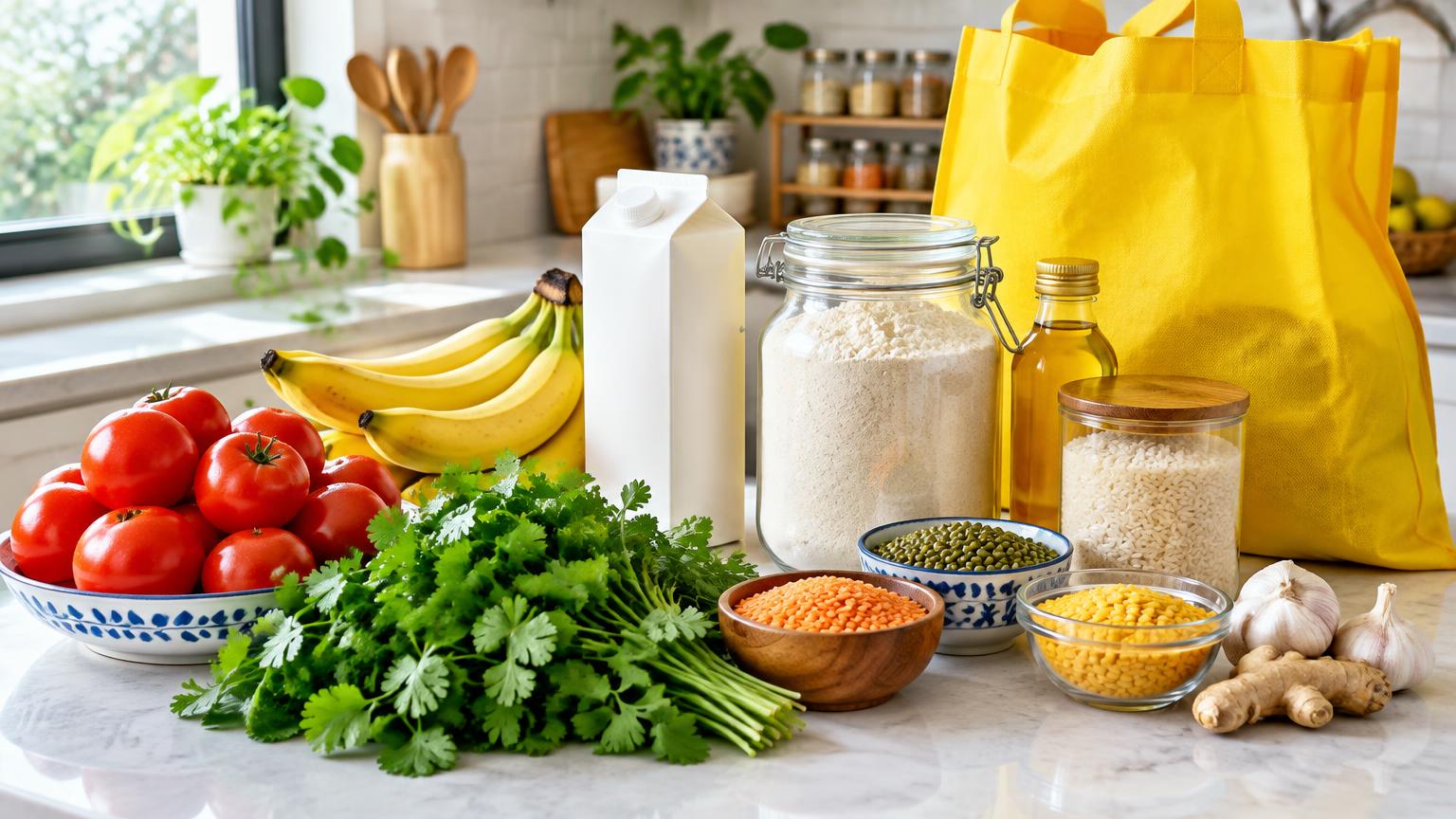
A quick grocery order is convenient when an essential runs out. It can also become more expensive than planned if you browse without a list, buy duplicate items or overlook the final checkout amount. A simple Blinkit shopping checklist helps you use convenience thoughtfully.
Blinkit describes a hyperlocal service for groceries, fresh produce and other daily essentials, with additional categories available on its platform. What you can actually buy depends on your selected address and the live catalogue. A broad category list is not a promise that every item is available everywhere.
Check your exact address first
Select the correct saved address or enter a complete new one before building the basket. A city listed in the official Blinkit FAQ does not establish coverage for every neighbourhood or building. Address-level serviceability and the catalogue shown in the app are what matter for your order.
Recheck apartment details, landmarks and contact information as appropriate. A cart created for another address may not have the same available items or delivery information. Treat displayed arrival times as estimates rather than guaranteed deadlines.
Build a needs-first grocery list
Check your kitchen before ordering. Separate urgent essentials from items that can wait for a planned grocery trip. If you need milk and cooking oil, write that down before recommendations tempt you to add snacks or another product you already have.
For produce, think about what you will cook and how much you can use. A larger quantity only offers value if it will not be wasted. For packaged products, compare the exact variant and quantity rather than assuming two similar photographs represent identical packs.
Compare pack sizes and unit prices
A lower listed price can reflect a smaller package. Compare weight, volume or item count alongside the price. If you regularly use the product, a larger pack may be economical, but it still has to fit your storage space and cash budget.
Where the listing provides product information or images, review them for the selected variant. For food allergies or dietary requirements, check the relevant label information and verify the received packaging before consuming. Do not rely on an image alone to settle a safety question.
- Confirm product names, variants and quantities.
- Check that the selected address is still correct.
- Review the final item list before paying.
- Remove accidental duplicates and unnecessary additions.
Judge discounts using the complete checkout total
An offer can be conditional on the account, basket or payment method. Check the actual discount applied and every charge shown before placing the order. Compare final payable totals, not just the percentage advertised on a banner.
Adding extra products to reach a minimum spend may increase your total cost even after a discount. If those products are not needed, a smaller basket can be the better choice. This guide does not advertise a fixed code or a guaranteed delivery fee: live checkout conditions can change.
How to check the Vpayback Blinkit campaign
Vpayback currently lists a Blinkit offer. Read the full terms and supported app journey before using the shopping button. This article does not quote a fixed cashback amount because displayed campaign fields need to agree before shoppers rely on an advertised payout.
If the eligibility conditions are unclear, ask the Vpayback Help Centre before ordering for cashback. A listed campaign does not mean every order qualifies. You need an eligible tracked journey and successful validation; do not treat pending cashback as an immediate discount or a guaranteed withdrawal.
Cancellations, refunds and order help
Review Blinkit's current terms and your order's available options. Do not assume that you can cancel at every stage or that every complaint automatically results in a refund. The order's circumstances and applicable policy matter.
For missing, incorrect or damaged items, use the order help available through the app and retain useful order details or photographs where appropriate. Blinkit's official contact page directs users to in-app support and warns against unofficial customer-care phone numbers. Never share an OTP or payment credentials with a supposed support caller.
Merchant order assistance and Vpayback cashback assistance are separate. A merchant refund, cancellation or ineligible transaction may affect cashback validation.
Frequently asked questions
Is Blinkit available everywhere in a listed city?
Not necessarily. Check the exact address in the app or site and the live catalogue for that location.
Is the delivery time guaranteed?
Treat the displayed time as an estimate. Availability and delivery conditions can vary.
Does a larger pack always save money?
No. Compare the unit price, but also consider how much you need and whether you will use it.
Where should I ask about an order problem?
Use Blinkit's official in-app order support. Use Vpayback's Help Centre for separate cashback questions.
Vpayback is independent of Blinkit; live offers and merchant conditions can change.
Ready to earn on your next order?
Browse live cashback rates and verified coupon codes before you check out.